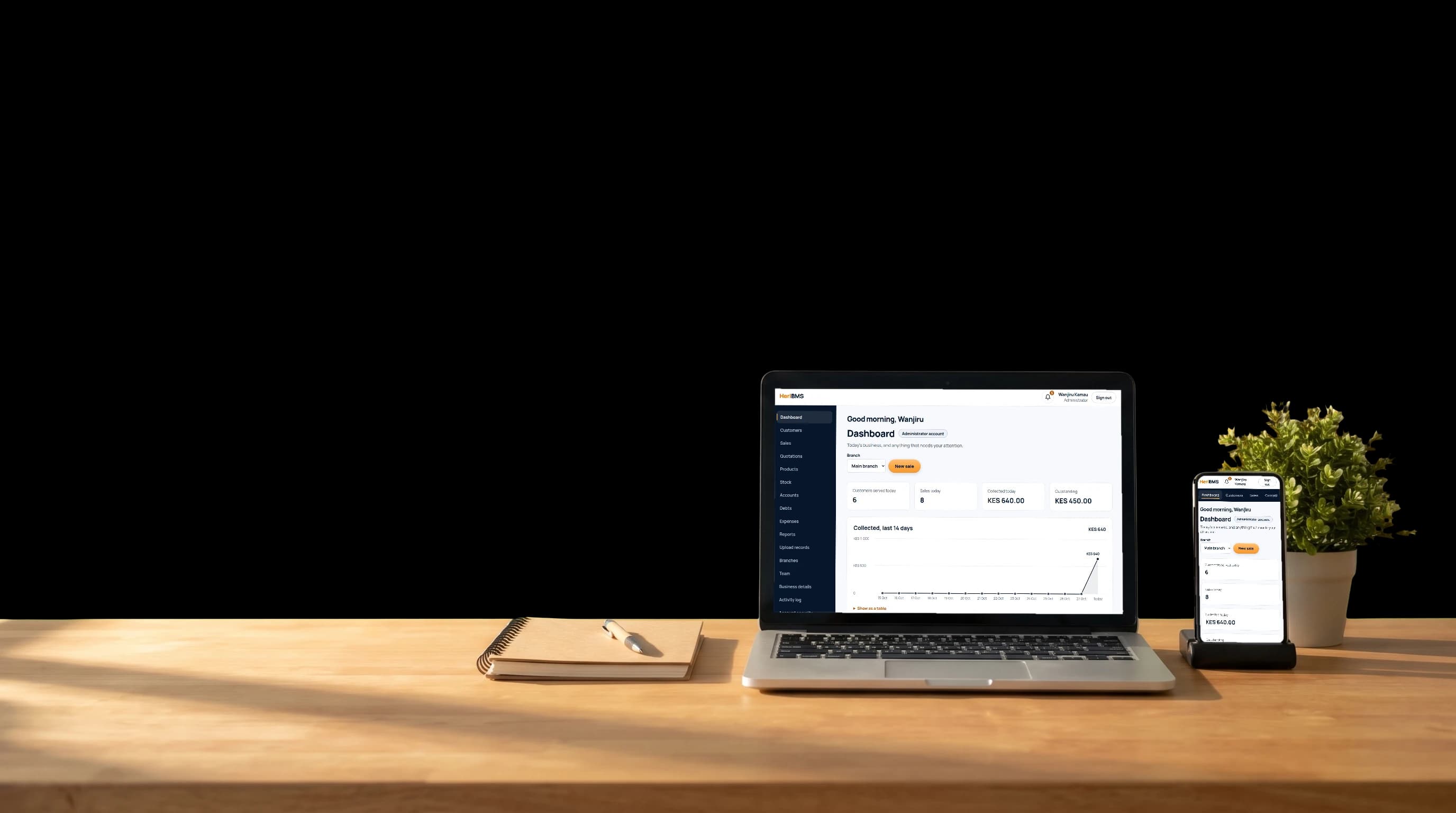
Sales and invoicing
Build a quotation, turn it into an order when the customer agrees, and issue the invoice and receipt without retyping anything.

Welcome to Heri Business Management System...
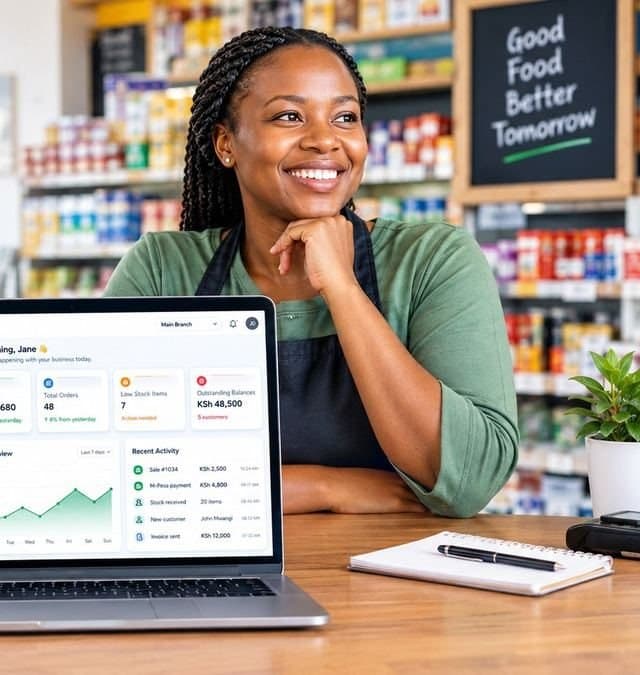
HeriBMS brings your sales, stock, customers, payments and a supplier marketplace together, so you can focus on growing your business.

How much have we sold today?
HeriBMSSee today's sales the moment they happen.
How much stock do we have?
HeriBMSKnow what is running low before it runs out.
Who still owes me?
HeriBMSSee every outstanding balance at a glance.
Has the money come in?
HeriBMSMatch each payment to the sale it belongs to.
Sales, stock, payments, customers, staff and branches, working together instead of in separate books.
Build a quotation, turn it into an order when the customer agrees, and issue the invoice and receipt without retyping anything.
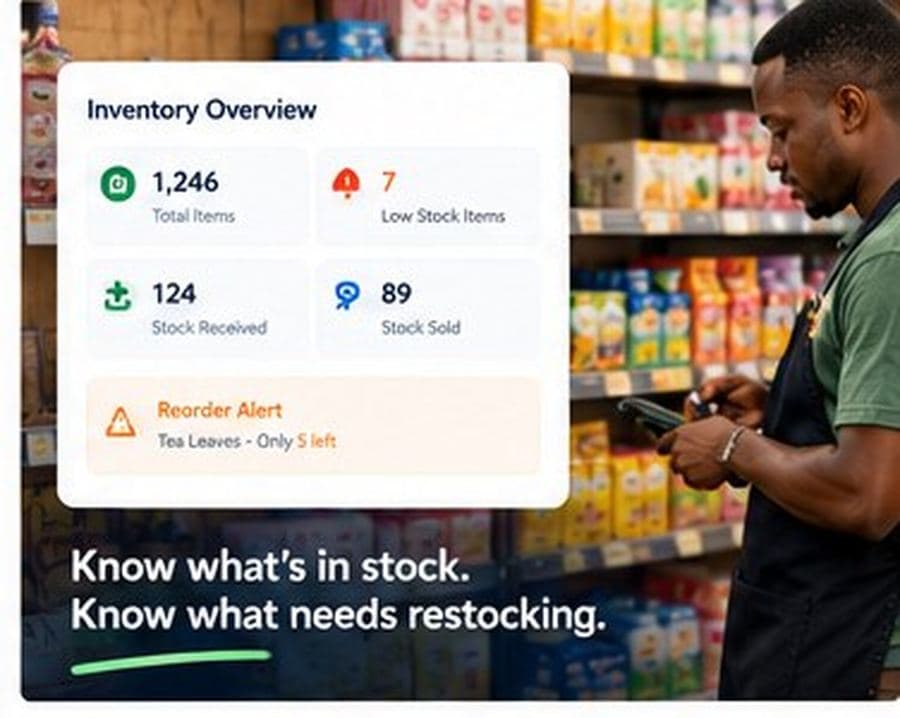
Receive stock by batch and expiry date. HeriBMS helps you sell your oldest stock first and tells you what is running low before you run out.
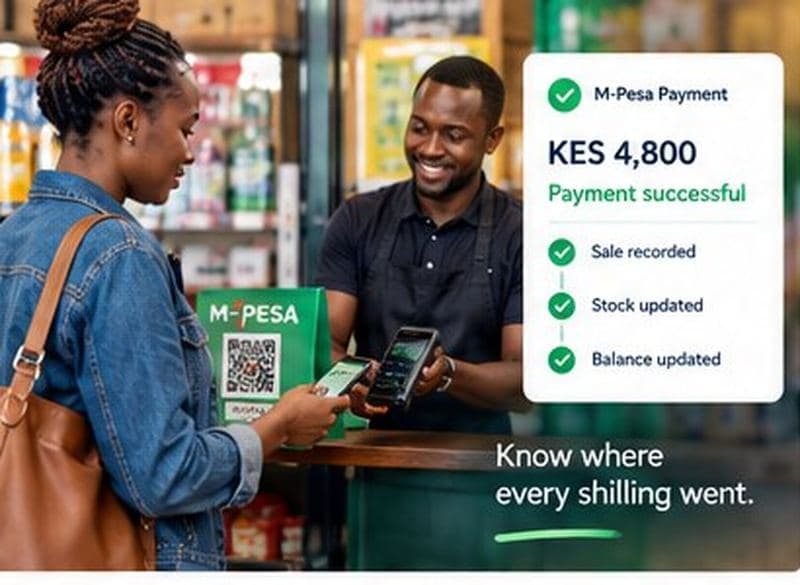
Send an M-Pesa prompt to the customer's phone from the sale. They enter their PIN, and the payment is recorded with its M-Pesa code. Cash, card and bank payments go against each invoice too, and balances update as money comes in.
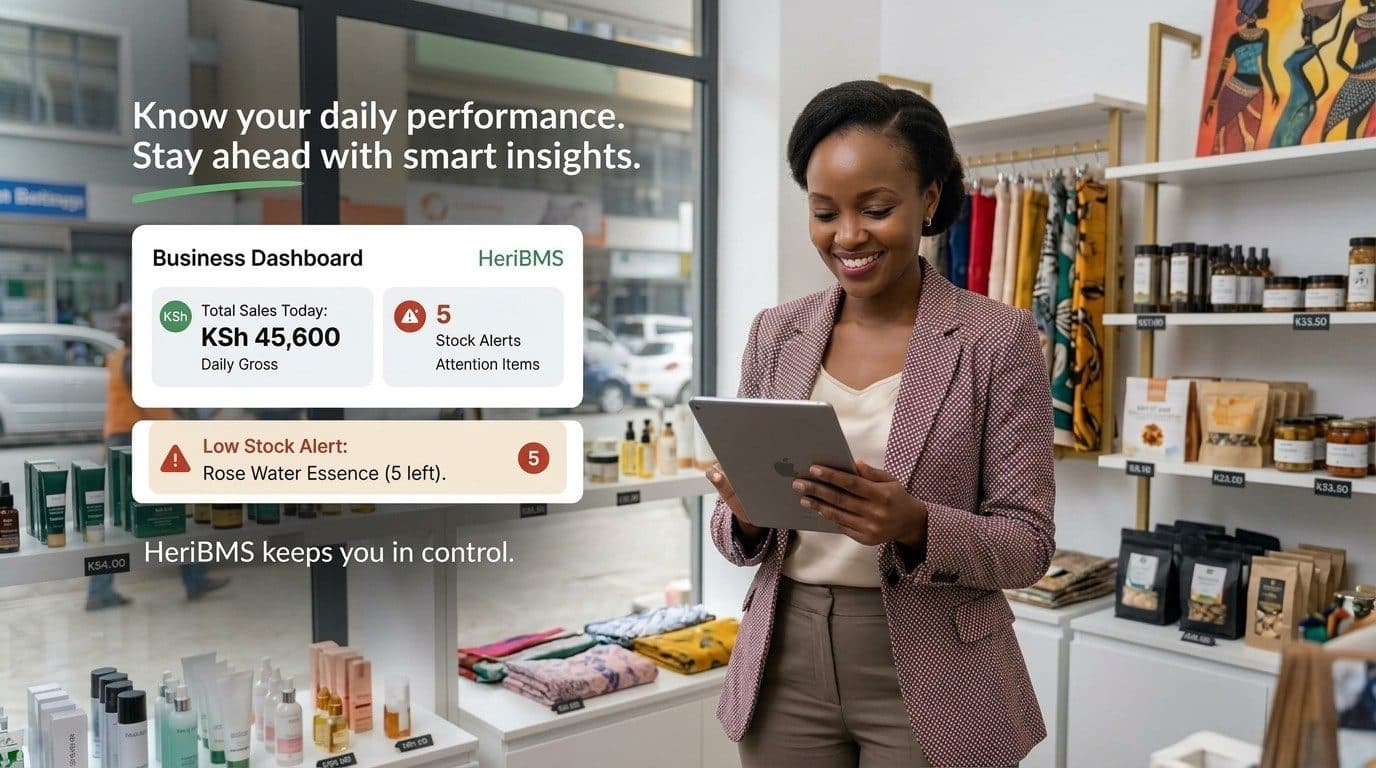
See sales and revenue for any period, your top products, and stock that is low, expiring or already expired, all on one page.
Each customer's purchases, balances and payment history in one place.
Run every location from one account, with stock and sales kept per branch.
Give each person a role, so staff only see what they need. Sensitive actions are recorded.
Each sale goes to KRA eTIMS through your own DigiTax account, and shows KRA's invoice number and QR code.
NEW: The HeriBMS supplier marketplace
Order from suppliers right inside HeriBMS, the same place you track your stock and sales.

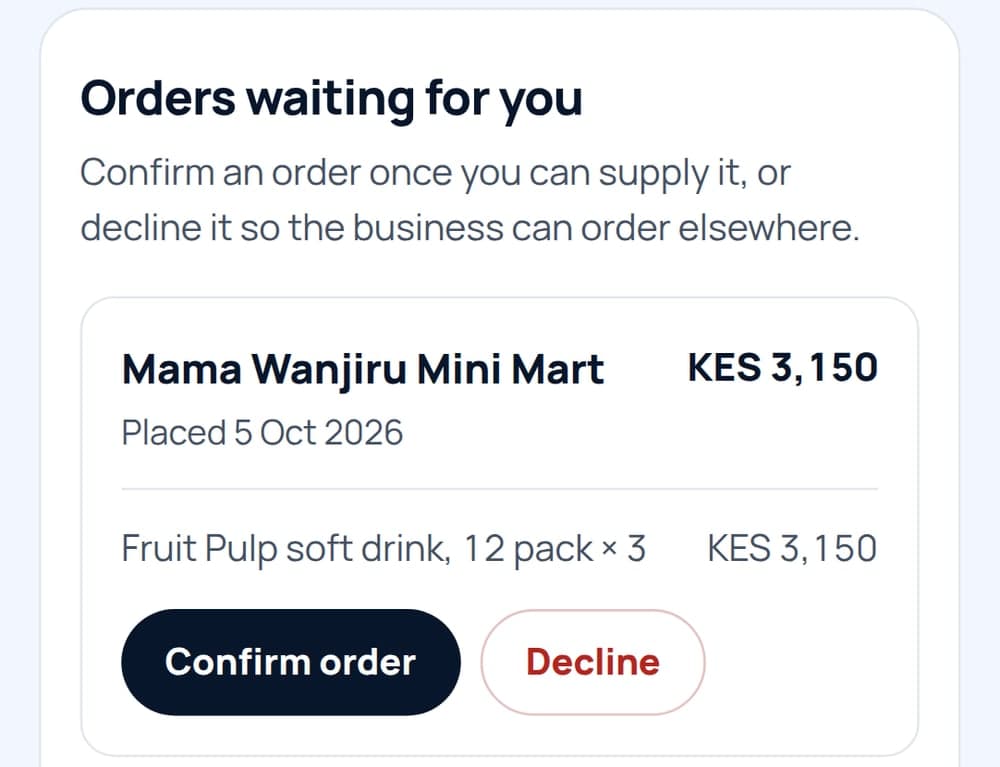
List your products for free and receive orders from businesses on HeriBMS. Confirm each order when you can supply it, and your stock updates by itself.
Register as a supplierFour steps from signing up to your first sale on HeriBMS. Open a step for the details.
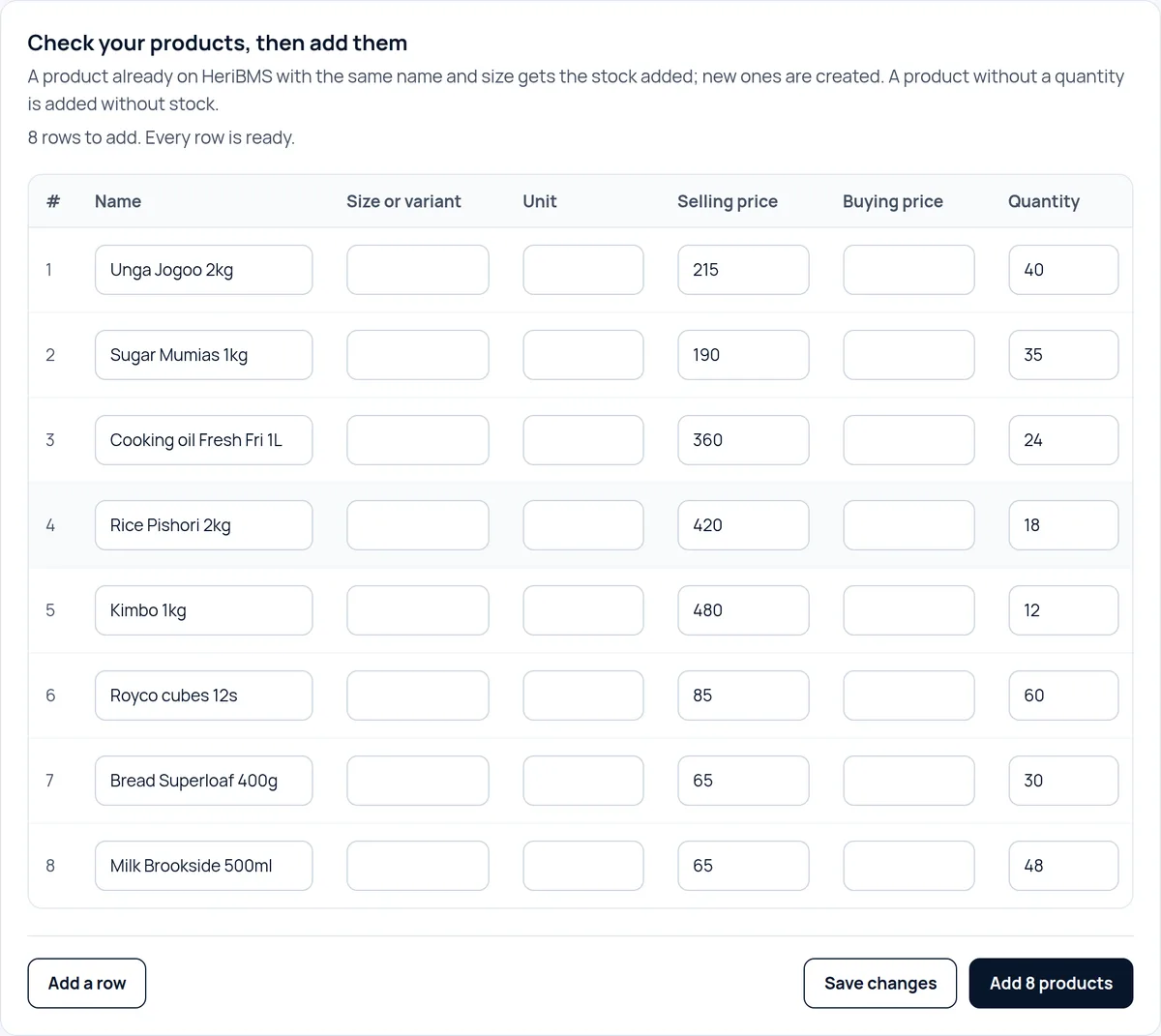
Retyping every product, price and customer into a new system can take days. HeriBMS imports them from a spreadsheet in minutes; photos of your business records take a little longer.
Please have these records ready when you sign up, so that HeriBMS opens with your own products and customers.
See today's sales, low stock and money owed without moving between spreadsheets, notebooks and other tools.
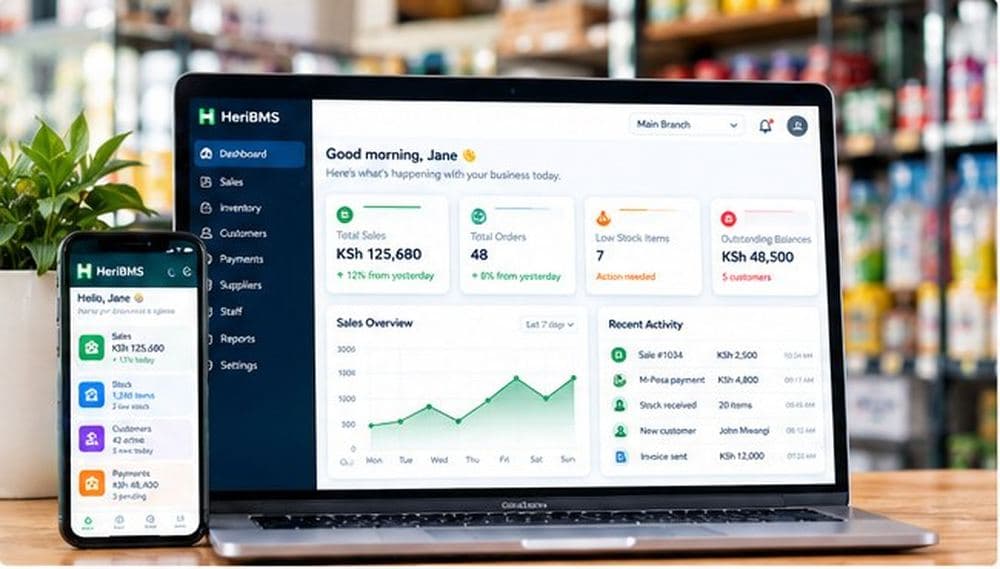
HeriBMS (Heri Business Management System) is point of sale and stock management software for Kenyan businesses. It keeps your sales, stock, customers, M-Pesa and cash payments, staff and branches in one place, and includes a marketplace for ordering stock from suppliers. It runs in the web browser on any phone, tablet or computer.
Yes. HeriBMS runs in the web browser on any smartphone, tablet or computer. There is nothing to install, and your records are the same on every device.
Any business that sells products and keeps stock: shops, supermarkets, cosmetics shops, hardware stores, agrovets, wholesalers and distributors. Service businesses such as salons and repair shops can sell their services at a set price. If you have more than one branch, HeriBMS keeps the stock and sales of each branch separate but accessible from the administrator account.
Yes. Each business only ever sees its own records. Staff only see what their role allows, and important actions such as refunds and price changes are recorded with the name and role of whoever made them.
Your workspace locks until you choose a plan, and your administrator can still download all your records. Choose a plan and pay by M-Pesa to carry on where you left off. If you don't, the workspace is deleted 90 days after the trial ends.
Yes. Record each cash, M-Pesa, card or bank payment against its invoice and the balance updates straight away. M-Pesa payments are recorded with their transaction code, so the same payment can't be entered twice. With your business's own Safaricom Daraja app connected, the cashier can also send an M-Pesa prompt to the customer's phone, and the payment records itself.
Yes. We guide you to activate Safaricom's Split Notifications. This enables your till's administrator to nominate a cashier to receive a partial SMS for each payment, without sharing your business balance details. The cashier records each payment in HeriBMS with its M-Pesa code, and you follow it from your phone. Sign in at any time to see what your team recorded, with each action showing who made it.
Yes. Administrators get payment alerts on their phones through the HeriBMS app, not by SMS. Turn them on in Business details and choose every payment, payments over an amount, or an hourly summary. A summary of the day follows at closing time, and can also be sent by email.
Yes. KRA requires businesses to issue their invoices through eTIMS, whether or not they are registered for VAT. HeriBMS sends each sale to KRA through DigiTax, a KRA-approved eTIMS provider, using your business's own DigiTax account, and the sale then shows KRA's invoice number and a QR code your customer can scan. eTIMS is an add-on service, and the Help center shows how to set it up step by step.
Visit our Help center.

Choose your plan, pay by M-Pesa for the monthly or yearly plan, and it starts on the day you pay.
Not sure yet? Start your 7-day free trial. No card needed.